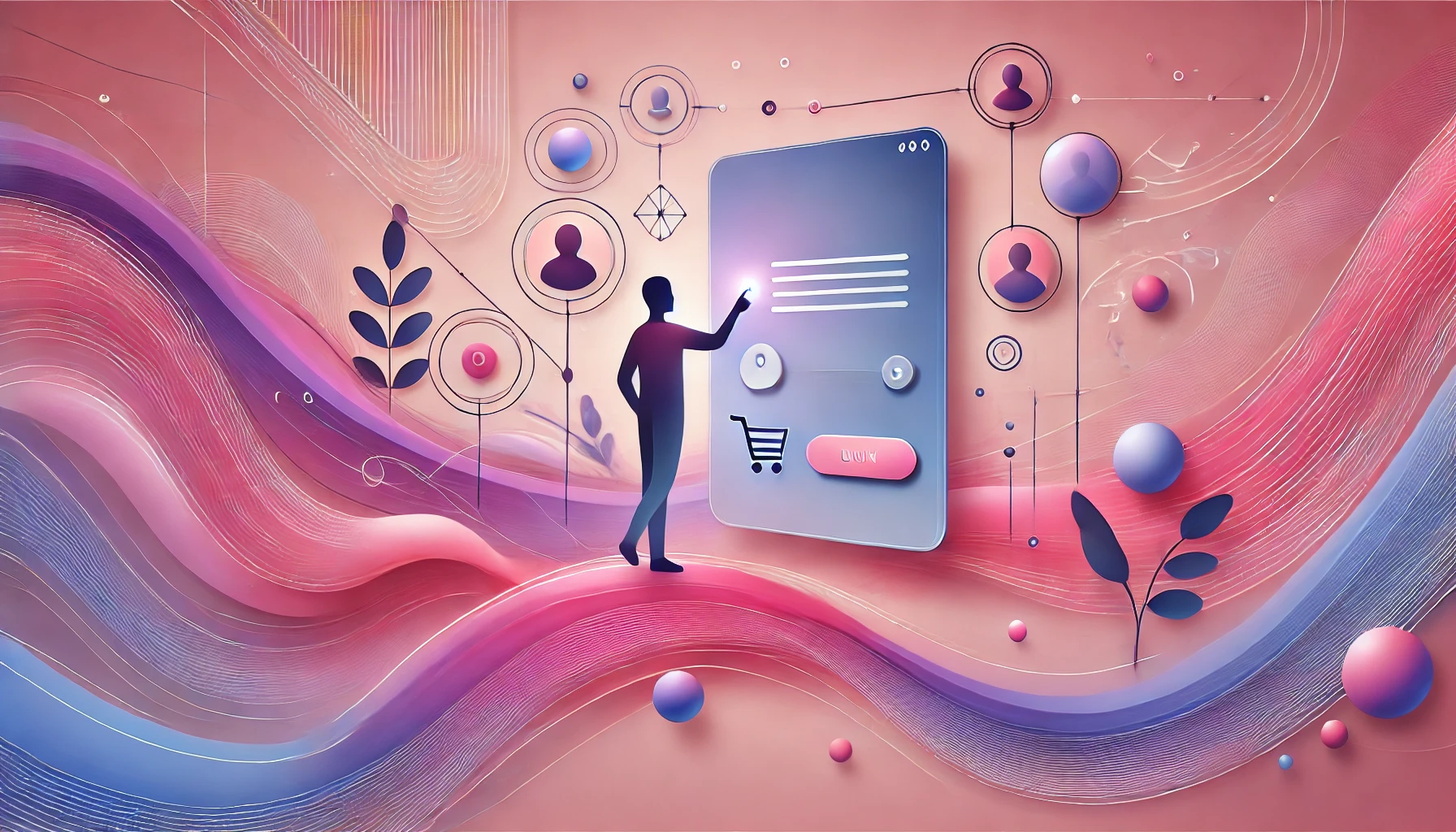

Traditional software responds to user commands. AI-powered systems attempt to predict, generate, recommend, and adapt in real time. That single shift changes almost everything about how UX design works.
For decades, UX practitioners built their craft around deterministic interfaces – systems with fixed logic, predictable outputs, and clearly mapped user flows. Those principles are still valuable. But they were never designed for a world where the software itself makes decisions, changes its behavior based on context, and occasionally gets things wrong in ways no one anticipated.
As AI becomes standard in enterprise software, SaaS platforms, analytics tools, and customer-facing products, many teams are discovering that applying traditional UX thinking to AI systems doesn’t work. The result is products that confuse users, erode trust, and get abandoned. Understanding why AI UX is fundamentally different – and what it demands – is now a core competency for any product team.
Understanding AI UX vs Traditional UX Design

Traditional UX design is built for predictable systems. Users navigate menus, fill forms, click buttons, and receive consistent, rule-based responses. The designer’s job is to minimize friction along a known path.
The core concerns are familiar: clear navigation, logical task flows, visual hierarchy, conversion optimization, and consistency across interactions. These principles work well because the system behaves the same way every time. A button always does what it says. A workflow always ends the same way. The designer controls the experience because the system follows fixed logic.
What AI UX Design Focuses On

AI UX is a different discipline. The system is no longer following a script – it’s generating responses based on probability models, training data, and real-time context. This means the designer can no longer guarantee what users will see or experience at any given moment.
AI UX must account for uncertainty, machine learning behavior, dynamic outputs, and human oversight. Designers need to think about recommendation systems, conversational interfaces, and how users understand (or misunderstand) what the AI is doing and why.
Why AI Changes the Nature of User Experience
In traditional interfaces, rules govern behavior. In AI systems, probability governs behavior. The same query can produce different outputs depending on data, context, and model state. That creates a new class of UX challenges that traditional design never had to solve: How do you build trust in a system whose outputs vary? How do you help users understand a recommendation when the logic behind it is opaque? How do you design for errors that are probabilistic rather than deterministic?
These aren’t edge cases. They’re the central design problems of AI products.
The Shift from Static Interfaces to Adaptive Experiences
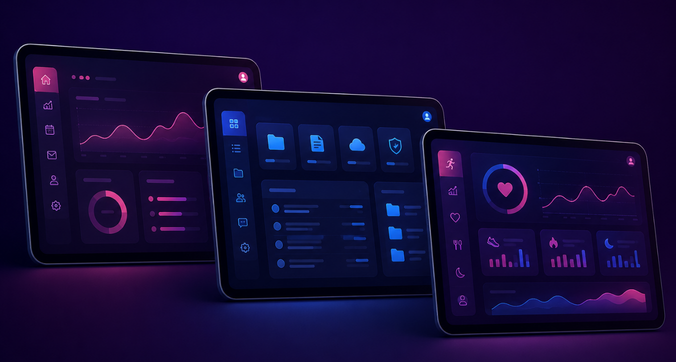
AI-powered systems personalize interfaces, recommendations, and workflows based on user behavior and contextual data. The experience isn’t static – it evolves. For users, this can feel useful or disorienting depending on how well the design communicates what’s happening and why. For designers, it means the work is never finished in the traditional sense. There’s no final state to design toward.
The Biggest Differences Between AI UX and Traditional UX
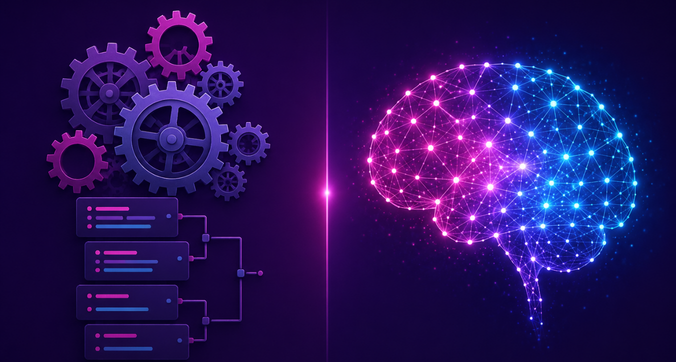
Predictable outputs vs probabilistic outputs. Traditional systems return fixed results. AI systems return outputs based on probability models. The same input may not produce the same output twice, and the outputs may be partially or entirely wrong.
User commands vs system recommendations. In traditional UX, the user acts and the system responds. In AI UX, the system often acts first – suggesting, automating, predicting – and the user responds to it. This reversal changes how trust, control, and feedback are designed.
Fixed workflows vs adaptive experiences. Traditional UX flows are engineered and predictable. AI systems dynamically adjust experiences based on user behavior and context. Designing for this requires thinking about ranges of experience rather than single, optimized paths.
Rule-based logic vs machine learning behavior. Deterministic systems don’t change over time. Machine learning systems do – and the changes aren’t always visible to users. AI UX must account for a system that evolves, sometimes in ways that affect user trust or task completion.
Traditional interfaces vs conversational interfaces. AI products increasingly communicate through chat interfaces, natural language processing, and voice systems. Conversational UX introduces entirely new interaction patterns – ones that traditional UX research, design patterns, and heuristics weren’t built to address.
Why Trust Is Critical in AI UX Design

Users don’t automatically trust AI. They hesitate when outputs seem inconsistent, when recommendations appear without explanation, or when automation feels like a black box. This hesitation is rational – AI systems can be wrong, and often users can’t tell when they are.
In enterprise software, healthcare, finance, and decision-support platforms, the stakes are high enough that weak trust becomes an adoption blocker. Users don’t abandon the product because the interface is ugly. They abandon it because they don’t know when to believe it.
Designing Explainable AI Experiences
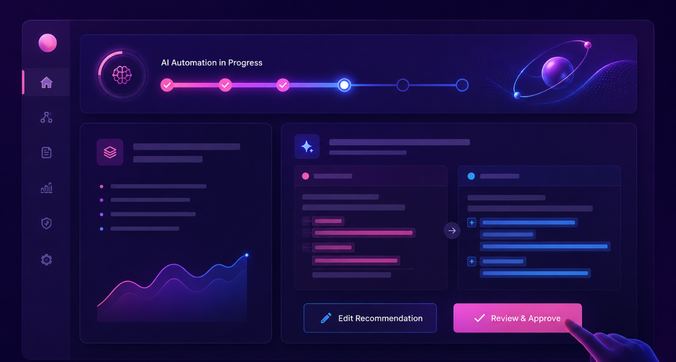
Explainability is one of the most important – and most underinvested – areas of AI UX. Users need to understand why a recommendation appears, how a prediction was generated, and what factors influenced the output. Without this, they either over-trust (accepting outputs uncritically) or under-trust (ignoring useful AI assistance entirely).
Good explainability design doesn’t require exposing model internals. It requires translating AI reasoning into language and visuals that match users’ mental models and decision-making contexts.
Transparency vs Simplicity in AI Interfaces
There’s a genuine tension here. Too much technical transparency overwhelms users and clutters interfaces. Too little explanation leaves users without the context they need to trust or verify AI outputs. The right balance depends on the user’s role, the stakes of the decision, and the complexity of the underlying system – and getting it right requires research, not intuition.
Designing Human Oversight into AI Workflows
AI UX should always preserve meaningful human control. Users need the ability to review AI decisions, override automation, validate recommendations, and remain the final authority on consequential choices. Designs that remove this agency – even in the name of efficiency – damage trust and create liability. Oversight mechanisms aren’t a constraint on AI UX; they’re a core feature of it.
AI UX Challenges That Traditional UX Does Not Face
Managing AI uncertainty. AI systems produce inaccurate and inconsistent outputs. UX must surface uncertainty honestly – through confidence indicators, hedging language, or explicit flags – without undermining user confidence in the system’s value.
Preventing user overreliance on AI. When AI outputs are usually right, users stop verifying them. This is dangerous in high-stakes domains. AI UX must actively design against blind trust – through verification prompts, required review steps, or visible confidence levels that signal when human judgment is especially important.
Handling AI errors gracefully. AI errors aren’t the same as traditional software errors. A generative AI system doesn’t crash – it produces something plausible-sounding that may be entirely wrong. UX must anticipate incorrect predictions, biased recommendations, and hallucinations, and give users the tools to identify and recover from them.
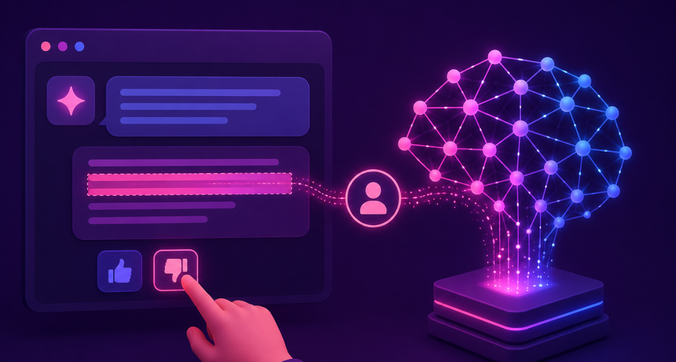
Designing feedback loops for AI systems. AI improves with feedback, but only if feedback is collected intentionally. AI UX often includes rating systems, correction mechanisms, and reinforcement signals that feed directly into model performance. These aren’t just usability features – they’re part of the product’s core infrastructure.
Ethical challenges in AI UX design. Bias, privacy, transparency, fairness, and user consent are not abstract concerns in AI products. They surface in interface design decisions: what’s shown, what’s hidden, whose data is used, and whether users understand what they’re agreeing to. AI UX designers share responsibility for these outcomes.
AI UX Research vs Traditional UX Research
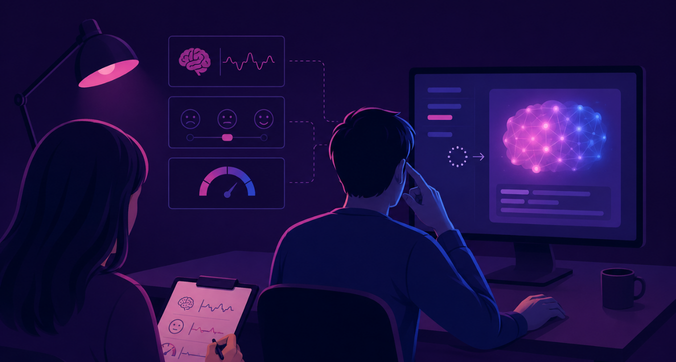
Traditional UX research methods – usability testing, user interviews, heatmaps, journey mapping, A/B testing – remain relevant in AI contexts, but they’re not sufficient on their own.
AI UX research must evaluate things that traditional methods weren’t designed to measure: user trust, confidence calibration, perceived reliability, and the quality of human-AI collaboration. Researchers need to assess whether users trust AI recommendations at the right level – not too much, not too little – and whether they understand the logic behind AI decisions well enough to use them responsibly.
Testing explainability requires asking users to articulate why they believe an AI output is correct, then comparing that reasoning against the actual model behavior. Evaluating human-AI collaboration means studying whether users and AI systems are dividing cognitive labor effectively – and where the collaboration breaks down.
These are harder, slower, and more ambiguous than traditional usability studies. They require different methods, different metrics, and different interpretive frameworks.
Enterprise AI UX Challenges

Enterprises are integrating AI into analytics dashboards, workflow automation tools, decision-support systems, customer service platforms, and internal productivity software. The scale and complexity of these environments create UX challenges that consumer AI products rarely face.
Enterprise AI systems combine workflow complexity, operational risk, large datasets, and multiple stakeholder groups with different needs, permissions, and mental models. A single AI feature in an enterprise platform may need to work for a data analyst, a department head, a compliance officer, and a frontline employee – each of whom has different expectations about accuracy, transparency, and control.
Employee resistance is a real and underappreciated barrier to AI adoption. When recommendations are unclear, automation feels unreliable, or workflows become more confusing rather than less, employees disengage – regardless of the underlying model’s performance. Enterprise AI UX must earn adoption through clarity and trust, not assume it through mandate.
The goal of human-centered AI design in enterprise environments is to support employees, not replace their judgment. AI should reduce cognitive load and surface useful information, not create new obligations to monitor and verify an opaque system.
Measuring ROI in AI UX Design
The case for investing in AI UX is straightforward when framed in business terms:
- Adoption rates go up when AI interfaces are trustworthy and understandable. Users engage with features they comprehend and trust; they ignore or route around features they don’t.
- AI-related errors decrease when explainable interfaces help users verify outputs rather than accept them blindly.
- Productivity improves when AI assistance reduces friction in real workflows – through automation, intelligent recommendations, and predictive help that actually matches user needs.
- Training and support costs drop when AI systems are intuitive enough that users don’t require extensive onboarding or ongoing hand-holding.
- Long-term trust builds when AI systems behave consistently, explain themselves clearly, and allow meaningful human oversight. This trust translates directly into retention, expansion, and competitive differentiation.
Frequently Asked Questions
Q: What is AI UX design?
It’s the practice of creating usable, trustworthy experiences for AI-powered systems – addressing not just interface clarity, but how users interpret outputs, trust recommendations, and stay in control of automated decisions.
Q: How is AI UX different from traditional UX?
Traditional UX is built for predictable, rule-based systems. AI UX deals with adaptive behavior, probabilistic outputs, and systems that act on behalf of users – introducing challenges around explainability, trust, and human-AI collaboration that traditional methods weren’t designed for.
Q: Why is trust important in AI UX?
AI systems can be wrong, and users often can’t tell when. Without properly calibrated trust, users either accept flawed outputs uncritically or ignore useful AI assistance entirely – both costly outcomes.
Q: What are the biggest challenges in AI UX design?
Managing uncertainty, designing for explainability, preventing overreliance, handling errors gracefully, building feedback loops, and addressing ethical concerns like bias, fairness, and user consent.
Q: What is explainable AI in UX design?
Design patterns that help users understand why an AI made a particular recommendation or prediction – not by exposing the model, but by translating its reasoning into language and context users can act on.
Q: How do companies measure AI UX success?
Through adoption rates, reduction in AI-related errors, productivity gains, lower training costs, and qualitative measures of user trust over time.
Q: Why does enterprise AI require specialized UX?
Enterprise AI involves complex workflows, high operational risk, and diverse stakeholder groups. Driving adoption among skeptical employees while maintaining clarity and control requires UX expertise well beyond standard product design.
Conclusion
AI UX and traditional UX solve fundamentally different problems. Traditional UX creates clarity in predictable systems. AI UX creates trust, transparency, and usable control in adaptive ones.
As AI becomes embedded in enterprise software and digital products at scale, UX design must evolve beyond the principles that served well in a deterministic world. Organizations that invest in AI UX as a distinct discipline – not just an extension of their existing design practice – will build products that users understand, adopt, and rely on with confidence.
The ones that don’t will build products that work technically but fail in practice. In AI, that gap is wider than anywhere else.