

Most digital products today focus on delivering smooth, intuitive user experiences – but enterprise software often tells a different story. Open almost any enterprise platform and you’ll find powerful capabilities buried under dense menus, cluttered dashboards, and workflows that demand a training manual just to get started. Technology isn’t the problem. The design approach is.
Enterprise systems must support complex workflows, multiple user roles, and enormous volumes of information – simultaneously, reliably, every day. That’s a fundamentally different challenge than building a consumer app, and treating it like one is where many organizations go wrong.
Many teams apply consumer UX methods to their enterprise software, only to end up with platforms employees avoid and executives wonder why adoption is low. Without a specialized enterprise UX approach, these systems become friction-heavy and fail to drive the organizational change they were built to support.
Done well, enterprise UX design changes this entirely. It simplifies complex systems while preserving the operational depth business workflows require – improving adoption, accelerating productivity, and delivering measurable ROI.
Understanding Traditional Product UX Design

Traditional product UX was shaped by the consumer internet – mobile apps, e-commerce platforms, and social products. The goal is to create experiences that are intuitive and visually appealing, enabling users to accomplish simple tasks quickly, often without any instruction at all.
Consumer UX is built around a recognizable set of characteristics: simple, linear task flows; limited datasets; few user roles; and a strong emphasis on visual appeal and engagement. Because consumer apps often serve millions of users performing nearly identical actions, UX teams can optimize ruthlessly for simplicity. Reducing friction and delighting users is the entire strategy.
This approach breaks down quickly when applied to enterprise systems. Enterprise platforms don’t serve one user type performing one kind of task. They support finance teams running approvals, operations managers monitoring logistics, analysts pulling reports, and administrators managing permissions – often all within the same product. Applying consumer UX thinking – strip it down, simplify everything – can actually make enterprise software worse by removing the depth and control that power users depend on.
What Makes Enterprise UX Different
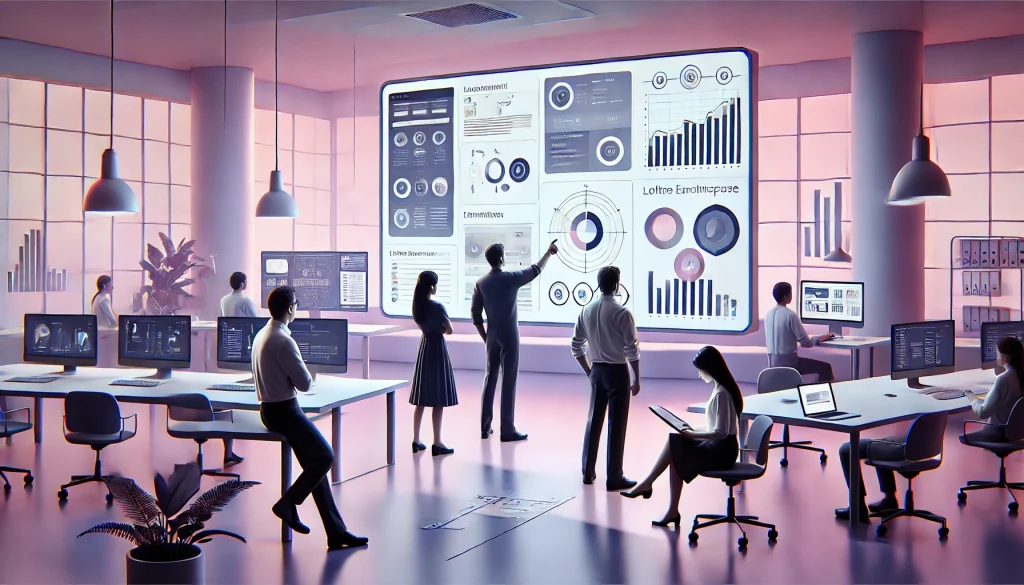
It Has to Support Complex Workflows
Consumer apps support short, self-contained interactions. Enterprise systems support workflows that span hours, days, or weeks – involving multiple steps, approvals, and handoffs between teams. A procurement request might pass through five departments before approval. A customer support case might require real-time lookups from three different systems. Designing for this complexity demands a different approach to navigation, state management, and error handling.
It Serves Multiple User Roles
Enterprise systems are rarely used by a single type of person. A platform might serve administrators who configure the system, analysts who generate reports, managers who approve actions, and front-line staff who input data. Each role has different goals, different mental models, and different needs from the interface. One-size-fits-all design forces everyone to navigate the same screens and mentally filter out what doesn’t apply to them – a constant, low-grade productivity drain.
It Handles Large Volumes of Data
Enterprise platforms live and breathe data. Dashboards, reports, logs, and queues require users to interpret large amounts of information and make decisions quickly. Poor data presentation is one of the most common sources of friction: users hunt for the metric they need, misread cluttered visualizations, or lose trust in what they’re seeing. Enterprise UX must organize information so users can orient themselves instantly and act with confidence.
It Prioritizes Efficiency Over Engagement
In consumer design, more time in the app is often a success metric. In enterprise design, the opposite is true. The best enterprise UX gets users to their goal and out as quickly as possible. Every extra click, unnecessary field, and moment of confusion is friction that compounds across thousands of employees and millions of interactions. Enterprise UX is optimized for task completion speed, accuracy, and reduced cognitive load – not engagement.
It Must Scale Over Time
Enterprise platforms are long-term investments that evolve as organizations grow, regulations change, and business models shift. UX design must account for this from the start – building flexible structures that can accommodate new features, new roles, and new workflows without requiring a full redesign every few years.
UX Research Methods in Enterprise Contexts

Getting enterprise UX right requires research methods that go beyond surveys and usability sessions.
- Workflow analysis maps how employees actually perform their work – documenting steps, decisions, handoffs, and pain points within existing processes. This surfaces real requirements that rarely appear fully in a product brief.
- Contextual observation means spending time in real work environments, watching employees use current systems, and noting the workarounds and friction points that people adapt around so naturally they no longer consciously notice them.
- Enterprise usability testing looks different from consumer testing. Sessions are longer, tasks more complex, and participants harder to recruit. But testing with real users under real conditions is essential for catching design failures before they reach production.
- Analytics and usage data reveal behavioral patterns at scale – which features go unused, where users drop off in multi-step workflows, which paths they take through complex interfaces. This data is particularly valuable for prioritizing improvements with the most operational impact.
How Good Enterprise UX Improves Productivity and Adoption

Simplifying complex interfaces doesn’t mean removing functionality – it means reducing cognitive load. Progressive disclosure, better visual hierarchy, clearer labeling, and removing elements that don’t serve the user’s immediate task all make a system feel less overwhelming without sacrificing capability.
Role-based experiences tailor what users see and how they interact based on their responsibilities. Analysts get interfaces built for data exploration. Managers get interfaces built for decision-making. Operations teams get what they need for task execution. Each role gets exactly what serves them – and less of what doesn’t.
Stronger navigation and information architecture built around how users think about their work – not how the system is technically organized – dramatically reduces the time spent searching and orientating. This matters especially for new users trying to reach proficiency.
Faster task completion multiplies across the organization. Shaving two minutes off a daily process for 500 employees isn’t a minor UX improvement – it’s a significant operational gain. Enterprise UX targets high-frequency, high-friction workflows and systematically reduces the time and effort required to complete them.
Poor usability is also one of the leading reasons enterprise software implementations fail. When employees find a system confusing or slow, they work around it – using spreadsheets, shadow IT, or informal processes instead. Better UX reduces this resistance and supports the behavioral change that successful adoption requires.
Building Enterprise UX Capabilities
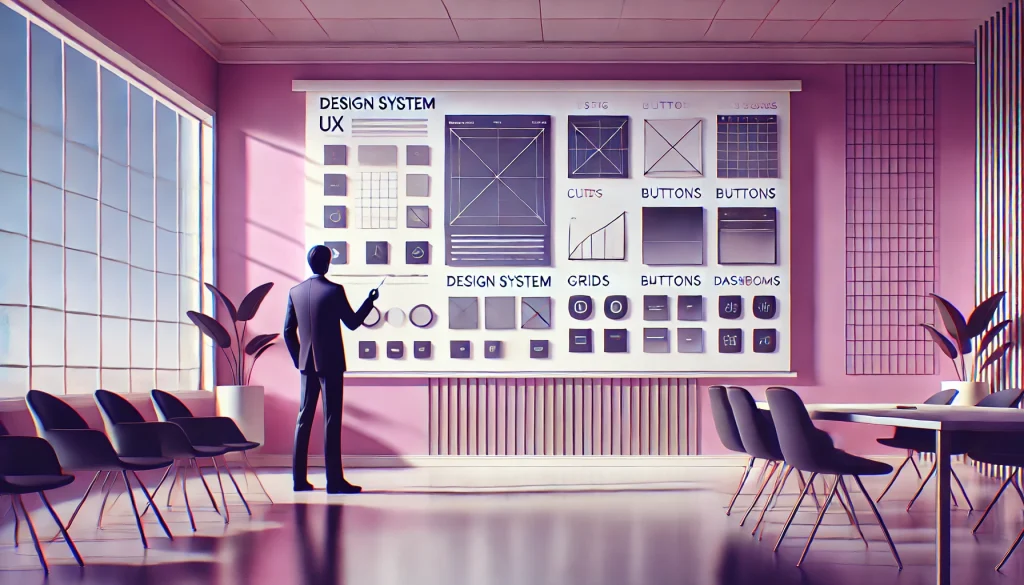
UX must be involved early. UX involvement that starts after architecture decisions are made and interfaces are already built struggles to make meaningful impact. Enterprise UX needs a seat at the table during requirements definition, system design, and vendor selection – not as a finishing layer applied at the end.
Design systems support consistency at scale. Without a shared library of reusable components, patterns, and guidelines, teams make inconsistent decisions across different parts of the same product. A well-maintained design system ensures coherence, accelerates development, and makes it easier to scale quality as the platform grows.
Specialized expertise matters. Consumer UX and enterprise UX are distinct disciplines. Designing complex enterprise systems requires practitioners who understand business workflows, multi-role systems, and the organizational dynamics of large-scale software projects. For many organizations, partnering with experienced enterprise UX specialists is the most effective way to close that gap.
FAQs
What is enterprise UX design?
Enterprise UX design is the practice of improving usability and workflow efficiency in complex business software – making platforms easier to use without sacrificing the functional depth business operations require.
How is enterprise UX different from consumer UX?
Consumer UX prioritizes simplicity and visual appeal for general audiences performing simple tasks. Enterprise UX addresses complex workflows, multiple user roles, data-heavy interfaces, and organizational-scale usability challenges that consumer UX methods aren’t built for.
Why do enterprise systems often have poor usability?
Usually a combination of factors: absence of UX strategy early in the project, accumulated technical complexity, legacy design decisions, and stakeholder priorities that favor features over usability.
Can enterprise UX reduce training requirements?
Yes, significantly. Interfaces designed around how employees actually work, with clear navigation and role-appropriate views, reduce the learning curve and lower the need for extensive onboarding.
Conclusion

Enterprise UX design differs from traditional product UX because enterprise platforms must support complex workflows, multiple user roles, and large volumes of data – challenges that consumer UX methods were never designed to solve.
Successful enterprise software isn’t defined only by the capabilities it offers, but by how effectively employees can use it within their daily workflows. A well-designed enterprise UX strategy transforms complex business systems into tools that genuinely improve productivity, drive adoption, and deliver long-term value.