Let’s suppose you’re at a diner, and you want ketchup on your fries. In front of you are two bottles. The first is a classic glass Heinz bottle – elegant, iconic, timeless. The second is a plastic squeeze bottle that sits upside down.
Which one do you reach for?
If you chose the squeeze bottle, you’ve just experienced the difference between UI and UX.
The glass bottle looks beautiful (that’s UI – User Interface). But the squeeze bottle works better, delivers ketchup faster, and doesn’t leave you banging the bottom in frustration (that’s UX – User Experience).
Most people think UI and UX are the same thing. They’re not. They’re completely different disciplines that work together to create products people actually want to use.
By the end of this guide, you’ll understand exactly what separates them, how they work together, and which career path might be right for you.
What is User Interface (UI)?
User Interface is the presentation layer, the look. It’s everything you see, touch, and interact with on a screen.
Think of UI as the skin of a product. It includes:
- Typography – The fonts and text styles
- Color palettes – The visual mood and brand identity
- Buttons and icons – The interactive elements you click
- Layouts and spacing – How elements are arranged on the page
- Imagery and graphics – Photos, illustrations, and visual assets
The goal of UI design is to create a product that is aesthetically pleasing, consistent, and intuitive. A great UI delights the eye and makes users feel confident about where to click next.
What is User Experience (UX)?
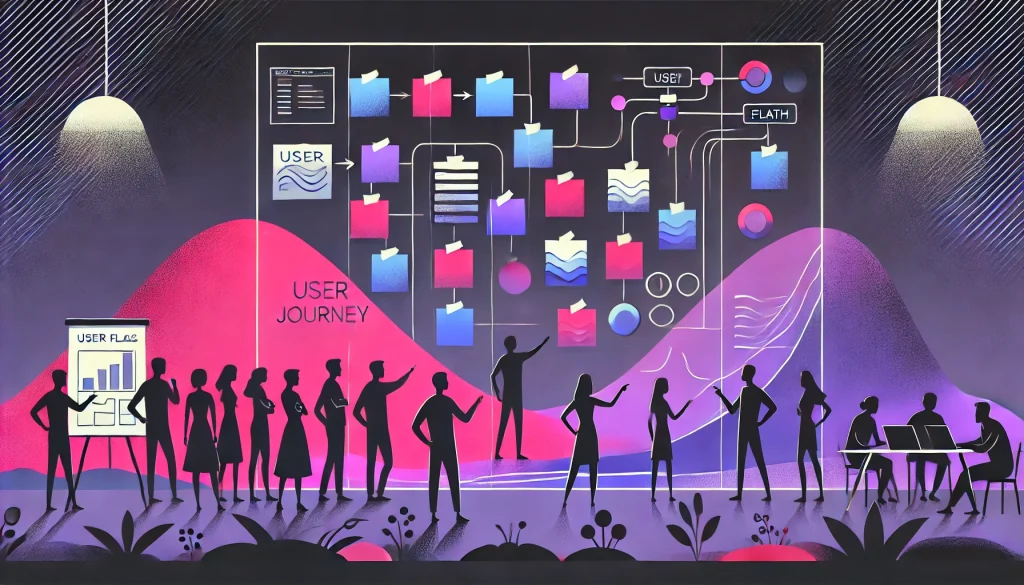
User Experience is the logic layer, the feel. It’s the overall experience someone has while interacting with your product – from the moment they hear about it to the moment they achieve their goal.
UX is invisible. It includes:
- User research – Understanding who your users are and what they need
- Wireframing – Sketching the basic structure before adding visuals
- Information architecture – Organizing content so it makes sense
- User flows – Mapping the journey from point A to point B
The goal of UX design is to solve the user’s problem efficiently and effortlessly. A great UX anticipates needs, removes friction, and leaves users thinking, “That was easy.”
The 5 Levels of User Experience

UX isn’t just one thing. It’s built in layers, like a pyramid. Here’s how it breaks down:
1. Strategy (The Foundation)
This is the “Why” layer. Before designing anything, you define what users want and what the business needs. You’re setting goals, not pushing pixels.
2. Scope (The Features)
This is the “What” layer. Based on your strategy, you list the features and content required. For example: “We need a login button” or “We need a search bar.”
3. Structure (The Map)
This is the “How” layer. You organize information and create sitemaps and user flows. This decides how a user moves from Page A to Page B.
4. Skeleton (The Layout)
This is the “Blueprint” layer. You create wireframes – simple, black-and-white layouts that show where buttons, text, and images will live. No colors yet.
5. Surface (The Look)
This is the “Visuals” layer. Now you add colors, fonts, images, and logos. This is the tip of the iceberg – the only part users actually see. This is where UI design lives.
UI vs UX: The Key Differences
| Feature | User Interface (UI) | User Experience (UX) |
| Focus | How it looks (Visuals) | How it works (Functionality) |
| Components | Colors, Fonts, Images | Research, Scenarios, Flows |
| Brain Side | Artistic & Creative | Analytical & Logical |
| Goal | Delight the user | Help the user |
| Question Asked | “Does this look good?” | “Does this solve the problem?” |
The Design Workflow: Which Comes First?

This is the chicken-and-egg question everyone asks.
The answer? UX always comes first.
The correct workflow is:
Step 1: UX Design
- Research the problem
- Create user personas
- Sketch wireframes
- Build user flows
- Test prototypes
Step 2: UI Design
- Apply colors and typography
- Design icons and buttons
- Create visual consistency
- Hand off assets to developers
Takeaway: You cannot design the UI until the UX structure is ready. Building UI without UX is like decorating a house before the walls are up.
A Day in the Life: UI Designer vs UX Designer
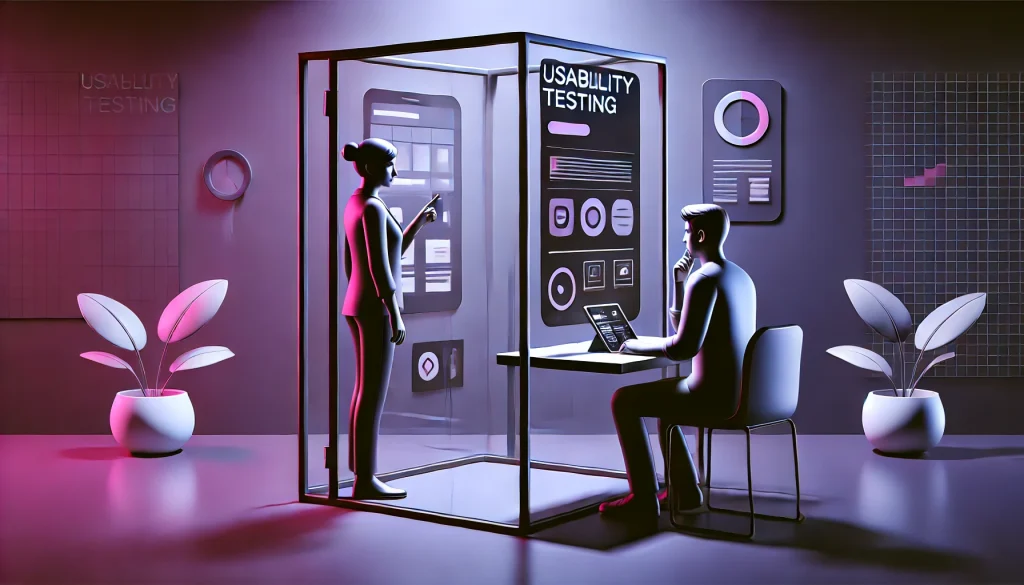
Wondering which role suits you? Here’s what each designer actually does day-to-day.
The UI Designer’s Day
- Creating mood boards and style guides
- Selecting accessible color combinations
- Designing icons, buttons, and micro-interactions
- Ensuring visual consistency across screens
- Handing over design assets to developers
The UX Designer’s Day
- Interviewing potential users to understand pain points
- Analyzing competitors to find gaps
- Drawing user flows and journey maps
- Creating wireframes and prototypes
- Conducting usability testing and iterating based on feedback
Many designers do both roles, especially at startups. If you handle both, you’re often called a Product Designer or Full-Stack Designer, and you’re highly valued in the industry.
Top 3 Myths About UI/UX (Busted)
Myth 1: “UI and UX are the same thing”
Fact: No. They are separate disciplines that work together. UI without UX is like a beautiful car with no engine.
Myth 2: “UX is just common sense”
Fact: UX is based on data, psychology, and rigorous testing – not assumptions. What seems obvious to you might confuse someone else.
Myth 3: “You need to know coding”
Fact: It helps, but it’s not mandatory. Tools like Figma, Adobe XD, and Sketch handle design without a single line of code.
Why Businesses Need Both (ROI & SEO Impact)

Great UI attracts users. Great UX keeps them.
A stunning landing page might get clicks, but if the checkout process is confusing, users will abandon their cart. Conversely, a clunky-looking site that’s easy to navigate will convert better than a beautiful mess.
The SEO Connection
Google doesn’t just rank content. It ranks experience. Metrics like bounce rate, time on page, and interaction signals tell Google whether users find your site valuable.
If your UX is bad, users leave quickly. High bounce rates signal to Google that your content isn’t helpful, and your rankings drop.
Good UX keeps users engaged longer, which boosts your SEO performance.
See how Core Web Vitals and page experience metrics directly influence rankings.
Conclusion: Two Sides of the Same Coin

UI is the bridge. UX is the destination. You need both to create a product that not only looks great but works brilliantly.
If you’re drawn to colors, aesthetics, and visual storytelling, explore UI design. If you love solving problems, understanding human behavior, and optimizing flows, dive into UX design. Or better yet – learn both and become a unicorn Product Designer.
Ready to level up? Explore our complete UI/UX Best Practices guide to master everything from fundamentals to advanced strategies.
Frequently Asked Questions
What is the main difference between UI and UX?
UI focuses on the visual look of a product, like colors and buttons, while UX focuses on the overall feel and usability of the user journey. Think of UI as how something looks and UX as how it works.
Which comes first, UI or UX?
UX comes first. You must understand the user’s problem and build the structure before you can apply visual designs and colors. Designing UI before UX is like painting a house before building the walls.
Can one person do both UI and UX?
Yes. A person who handles both is often called a Product Designer or Full-Stack Designer. This hybrid skill set is highly valued, especially at startups and smaller companies.
Do I need coding skills for UI/UX design?
No, coding is not required. However, knowing the basics of HTML and CSS helps you collaborate better with developers and understand technical constraints.
Which pays more, UI or UX design?
UX designers generally earn slightly more due to the analytical and strategic nature of the role. However, senior Product Designers who excel at both UI and UX typically earn the most.
What are the best tools for beginners?
Figma is the best all-in-one tool for both UI and UX design. Other popular tools include Adobe XD, Sketch, and Framer. Most professionals recommend starting with Figma because it’s free, collaborative, and industry-standard.
Compare all leading platforms in our updated UI/UX tools comparison for 2026.
Is UI/UX a good career in 2026?
Yes, demand is high and growing. As every business goes digital, the need for designers who can create human-centric experiences continues to rise. Remote opportunities are also abundant.
Can AI replace UI/UX designers?
AI cannot replace human empathy and understanding. AI can generate layouts and suggest color palettes, but it struggles with complex problem-solving, understanding cultural context, and designing for nuanced human emotions – all core to great UX.
How does UI/UX impact SEO?
Google ranks sites based on Page Experience metrics. Good UX keeps users on your site longer, reduces bounce rates, and increases engagement – all signals that tell Google your content is valuable, which improves your rankings.
What is a simple example of bad UX?
A confusing navigation menu, a form that clears all your data when you make one mistake, or a checkout process that requires creating an account before purchasing – these are classic examples of bad user experience.