
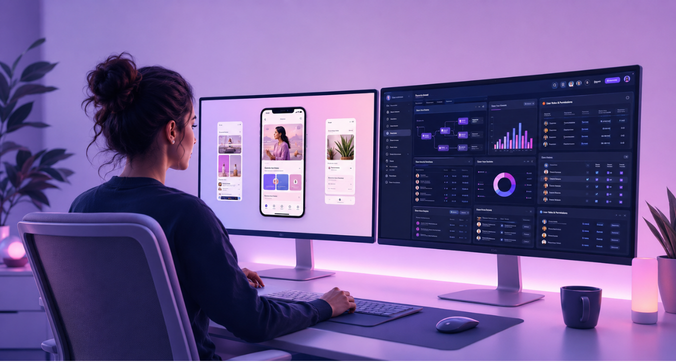
A consumer app is built for one journey, repeated by millions of people. An enterprise platform has to support hundreds of different workflows across dozens of departments – each with its own user roles, permissions, compliance rules, and operational dependencies. Yet many organizations still design enterprise software the way they’d design a consumer app, and the result is predictable: poor adoption, operational drag, and millions in lost productivity.
Consumer UX and enterprise UX share the same foundation – usability, clarity, respect for the user’s time. But they operate in different contexts, serve different expectations, and are judged by different metrics. Get that distinction wrong, and it shows up in training costs, support tickets, and technology investments that never pay off.
Understanding Enterprise UX vs. Consumer UX

Consumer UX is built for customer-facing products – mobile apps, ecommerce sites, consumer SaaS, marketing pages. It optimizes for simplicity and intuitive first use, visual appeal, a fast onboarding curve, short interaction cycles, and conversion. The underlying workflows are usually shallow: a user completes a task in one sitting, with low operational complexity behind it.
Enterprise UX is built for the systems employees, analysts, administrators, and decision-makers rely on to run a business. It has to support multi-step operational workflows, dense datasets, multiple roles with different responsibilities, cross-functional handoffs, long daily usage sessions, and deep functional capability – all while integrating with existing infrastructure and meeting compliance requirements.
The stakes differ too. A consumer UX failure costs a lost click or a churned trial user. An enterprise UX failure stalls a workflow, halts an operational process, or creates a compliance exposure – and the employee can’t just switch to a competitor’s product to avoid the friction. They’re assigned the tool; it has to work.
That difference in stakes reshapes what users expect. Consumer users judge a product in seconds and abandon it the moment it asks for effort they didn’t sign up for. Enterprise users accept a learning curve in exchange for power – they measure success by whether they completed the workflow faster, processed more, and made fewer errors, not by how the interface made them feel in the first ten seconds.
Core Challenges in Enterprise UX
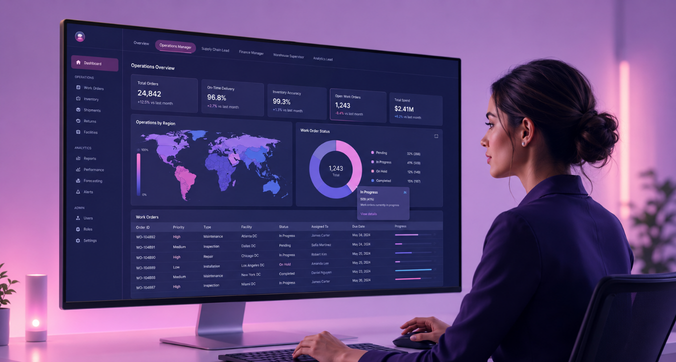
Multi-step workflows. Enterprise tasks – approvals, data processing, reporting, cross-team handoffs – often span multiple screens, sessions, and sometimes days. They involve sequential dependencies, conditional branching, parallel work that needs coordination, and long-running processes that must save state cleanly. Get the workflow design wrong, and you create bottlenecks, errors, and workarounds that quietly bypass the controls you built.
Multiple roles and permissions. The same platform has to serve administrators, managers, analysts, operations staff, executives, and sometimes external partners – each needing a different information hierarchy, different priorities, and different permission boundaries, without fragmenting into separate, inconsistent products.
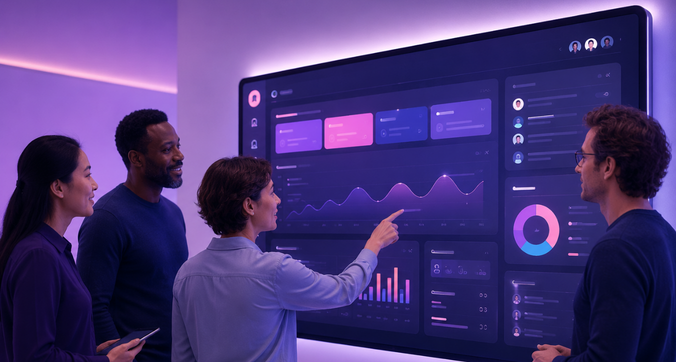
Information density. Enterprise interfaces routinely carry dense datasets, analytics dashboards, and operational metrics that users need to scan, filter, drill into, and reshape into custom views. Weak information hierarchy here doesn’t just look cluttered – it slows down real decisions.
Consistency at scale. Large platforms are usually built by different teams over many years, and without strong design governance they drift: inconsistent UI patterns, fragmented navigation, duplicated functionality. A shared design system is what keeps a sprawling platform feeling like one product.
Simplicity vs. depth. Unlike a consumer app, enterprise UX can’t simply strip features to reduce complexity – users need that functional depth to do their jobs. The answer is progressive disclosure: surface what’s essential, and let advanced capability recede until someone actually needs it, so the same interface works for a first-week hire and a five-year power user.
Enterprise UX Research and Testing

Enterprise research carries a layer of complexity consumer research doesn’t: organizational politics, competing stakeholder priorities, security constraints, and workflows that no single person can fully describe from memory. That’s why observation matters more here than in consumer contexts – users often can’t articulate the shortcuts and workarounds baked into how they actually work.
- Contextual inquiry means watching people do real operational tasks in their actual work environment – documenting each step, spotting workarounds, noting how systems interact, and capturing the environmental noise (interruptions, edge cases) that only shows up during real, not simulated, use. Scheduling these sessions during peak periods, not quiet ones, is what surfaces the failure modes that matter.
- Task analysis takes that raw observation and breaks it into discrete actions, decisions, and branch points – flagging where time is lost, where errors cluster, and where automation or better information architecture could remove a bottleneck entirely.
None of this happens in a vacuum. Enterprise UX decisions require stakeholder alignment across product, IT, compliance, and leadership – balancing end-user needs against organizational constraints, and short-term fixes against long-term platform strategy. This is as much a change-management exercise as it is a design one.
Measuring ROI and Business Impact

Consumer UX is judged by conversion, engagement, retention, satisfaction. Enterprise UX is judged by task completion time, error rates, adoption rates, support volume, training time, and workflow throughput – metrics that show up as cost reduction and productivity gain rather than revenue growth.
That gain compounds because enterprise employees touch the same systems dozens of times a day. A small time saving per task, multiplied by task frequency and headcount, becomes a real organizational number – less time searching, fewer context switches, faster approvals, less rework from avoidable errors.
It also shows up in overhead: intuitive systems need less formal training, generate fewer support tickets, and get new hires productive faster – costs that are straightforward to track through training hours, ticket trends, and time-to-productivity. And because organizations routinely underuse software that’s hard to use, better UX is often the difference between an investment that pays off and one that quietly turns into shadow IT, as employees route around the official tool with spreadsheets and workarounds.
Enterprise Design Systems and Scalability
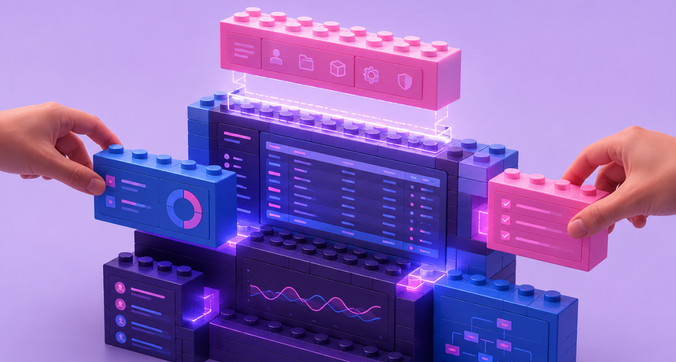
Enterprise products are built by multiple teams across multiple modules over multi-year timeframes – which makes a shared design system less of a nicety and more of a structural requirement. Without one, platforms accumulate fragmented experiences, inconsistent interactions, and design debt that gets more expensive to unwind every year it’s left alone.
A design system needs governance to hold up as the organization scales: clear decision-making authority, a component approval process, a plan for managing breaking changes and deprecations, and documentation that keeps teams from quietly forking their own variants.
It also needs enterprise-specific components – advanced data tables, bulk-action patterns, conditional forms, workflow progress indicators, role-based navigation, audit trails – built around real enterprise needs rather than adapted from consumer component libraries that were never designed for this kind of complexity.
Best Practices for Enterprise UX Implementation
Design around workflows, not system architecture. Map how work actually happens today, find the friction, and design the future-state workflow before you design the screens – organize navigation around what people are trying to accomplish, not how the backend is structured.
Use progressive disclosure deliberately. Show what’s essential by default, offer simplified and advanced modes, and set sensible defaults so new users aren’t overwhelmed while experienced users still have full power on hand.
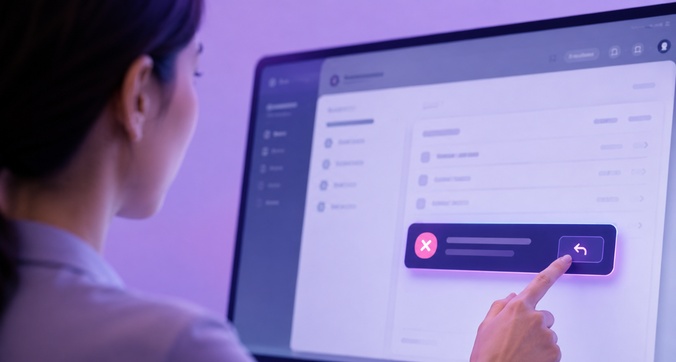
Design for error prevention and recovery. Mistakes in enterprise systems can mean lost work, corrupted data, or compliance violations – so build in validation, confirmation on destructive actions, autosave, undo, and constraints that block invalid input in the first place. Assume errors will happen anyway, and make recovery graceful.
Build in accessibility and compliance from day one. Keyboard navigation, screen reader support, color contrast, alt text, accessible data tables – these are far cheaper to design in from the start than to retrofit after the fact, especially once regulatory requirements are layered on top of WCAG.
When Should a Business Adopt Enterprise UX Strategies?

The warning signs tend to show up together: workflow complexity creeping upward, departments with genuinely different needs pulling the product in different directions, support tickets climbing, feature adoption stalling, navigation fragmenting, and employees quietly building their own workarounds. Individually these look like small problems. Together, they mean a consumer UX approach has hit its ceiling.
That ceiling is usually a byproduct of growth – as user diversity and operational dependencies increase, the platform needs workflow orchestration across departments, role-based interfaces, governance, and integration with the rest of the business’s systems. No product stays simple forever; at some point operational complexity outgrows what a consumer-style approach can carry.
This is also where digital transformation initiatives tend to fail – not on the technology, but on adoption. Change management, workflow redesign, legacy modernization, and system integration all depend on whether the people using the new system can actually work faster in it. Plenty of transformation projects deliver new infrastructure and almost no benefit, because the underlying usability problem was never solved.
Enterprise UX Expertise from F1 Studioz
Enterprise UX takes a different kind of expertise than traditional product design – one built around operational workflows, not just interfaces. F1 Studioz partners with enterprise organizations to simplify complex workflows, modernize legacy platforms, and design scalable experiences for data-intensive business systems, with specific depth in:
- Enterprise SaaS platform design and optimization
- Operational workflow analysis and redesign
- Enterprise design system development and governance
- Data-heavy dashboard and analytics UX
- Multi-role enterprise application design
- Legacy system modernization strategies
- Enterprise usability research and testing
- Accessibility compliance and inclusive design
FAQs
What is the main difference between enterprise UX and consumer UX?
Enterprise UX designs for mandatory, high-stakes work tasks – complex operational workflows, role-based access, and employee productivity. Consumer UX designs for voluntary users choosing between competing products, and optimizes for engagement, simplicity, and conversion.
Why is enterprise UX more complex than consumer UX?
It has to account for interconnected workflows, diverse roles and permissions, large-scale data, cross-departmental dependencies, legacy integrations, compliance requirements, and the ongoing tension between simplicity for new users and depth for experienced ones.
How does better enterprise UX improve business ROI?
Through higher employee productivity, lower training and support costs, higher adoption rates, fewer operational errors, and efficiency gains that compound as the organization scales.
When should companies invest in enterprise UX instead of consumer UX approaches?
When systems support complex, multi-department workflows; when adoption is low and support costs are high; when the platform is hitting scalability limits; or when the organization is in the middle of a digital transformation.
What are the biggest challenges in enterprise UX design?
Multi-step workflows, multiple user roles, dense information displays, consistency across large platforms, the simplicity-vs-depth tradeoff, stakeholder coordination, and legacy system constraints.
How is enterprise UX research different from consumer UX research?
It relies more heavily on contextual inquiry and task analysis rather than interviews alone, involves longer timelines, more access constraints, and requires balancing organizational requirements against individual user needs.
Do enterprise platforms need design systems?
Yes, they’re what keeps a platform built by many teams over many years feeling coherent, with reusable components, governance, and accessibility built in rather than bolted on later.
Conclusion
Consumer UX and enterprise UX solve different problems in different contexts. One optimizes for engagement and conversion; the other optimizes for operational efficiency, workflow throughput, and long-term adoption at scale. Applying consumer methods to enterprise systems doesn’t just underperform – it actively creates the adoption problems and inefficiencies enterprise UX is meant to solve.
As organizations keep scaling and pursuing digital transformation, UX stops being a visual layer and becomes a strategic function – one that shows up directly in productivity, operational cost, and adoption. Investing in enterprise-specific research, design systems, and governance isn’t a nice-to-have; it’s what determines whether the technology investment actually pays off.
If your platform is showing signs of outgrowing a consumer UX approach – rising support costs, low adoption, workflow workarounds – it may be time for an enterprise UX audit. [Connect with f1Studioz] to talk through UX strategy, a platform audit, design system development, or modernization planning.