Pace Up Your UI Development Journey
Although I have been quite an experimental developer when it came to creating great UI Components from scratch, I still looked up online tools when it came to using some ready-made stuff that can be customized easily. And why not???
“Front-end developers are the artists of the web.”
Paul Irish
With the Internet brimming with a plethora of great tools and resources for every development need we get a lot of options to work with at every step. Not only are these tools great for inspiration but they are also quite efficient while saving both time and energy. Giving you more time to explore the domain rather than being stuck on the same problem for hours. Pacing up your UI and Front-end Development journey.
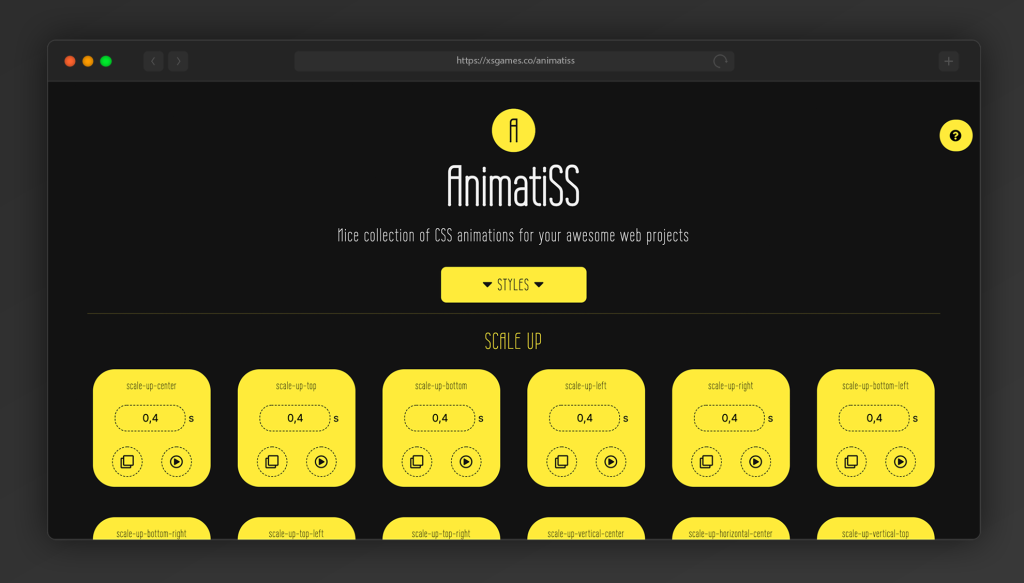
AnimatiSS
It is a collection of unique CSS animations, similar to other animation libraries that allow you to add animations to elements on the page using a class name. AnimatiSS is a very simple, straightforward tool, and minimal in code.
You can view the preview custom CSS animations and grab their code with a simple click, and paste it into your web projects.
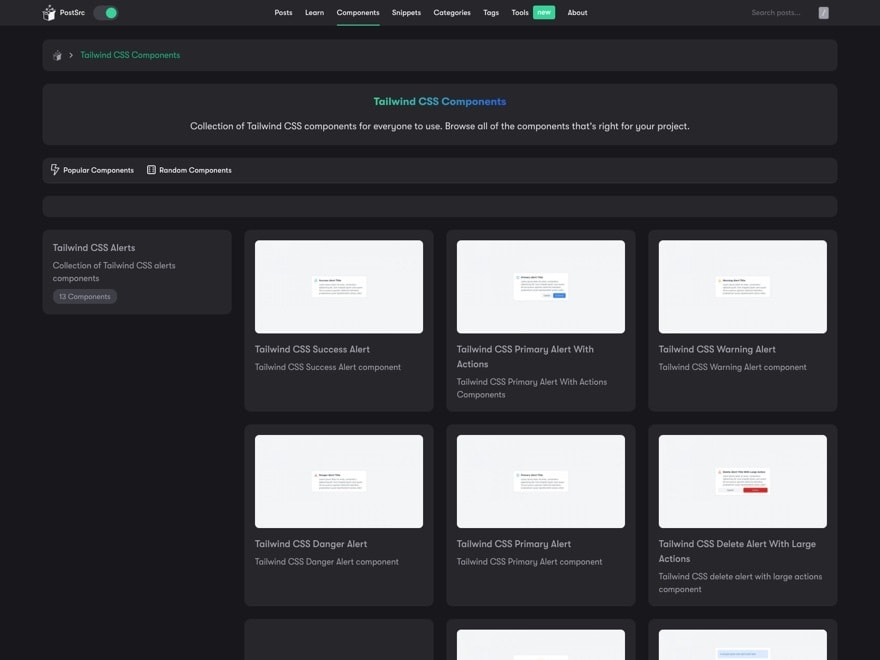
PostSrc Tailwind Components
This is a component library for Tailwind, which is popular and anything associated with Tailwind tends to do well here. It includes more than 50 components divided into more than a dozen categories which can be easily handpicked and used directly in your project.
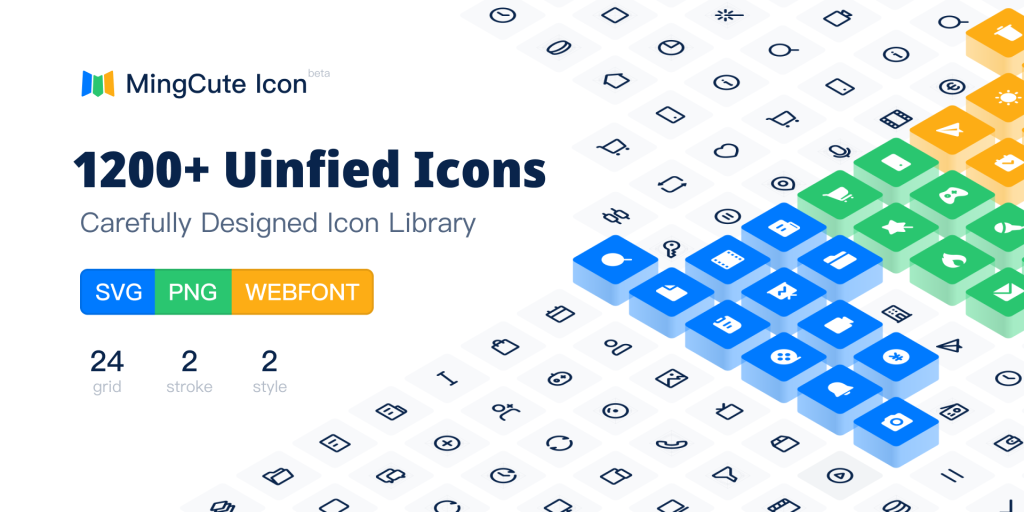
MingCute
This is one of the richest free icon libraries and it seemed to gain traction due to its promise of simplicity and the sheer number of available icons. You can download SVG, and PNG icons easily for your project, and customize them as well before using them.
Uiverse
Uiverse is a repository of community-built HTML and CSS components, free for personal and commercial use. It has more than 640 components in various categories including custom checkboxes, toggles, cards, buttons, loading animations, and inputs.

Allinone Tools
This is one of the largest platforms having a vast collection of online utilities that I’ve come across. This includes various tools like image manipulation and conversion, PDF tools, various text and list formatting options, CSS and JS Minifier and Beautifiers, and lots more.
These are some of my personal favorite online tools when it comes to creating/using UI Components. There is absolutely nothing wrong with taking help from such resources while the development process. As mentioned above these are quite efficient and save up a lot of time and let the developers concentrate on solving other problems, and it’s not just mere copy and pasting, each component needs customization according to a particular project and that will be done by no one else but YOU!
Web and UI development is a huge concept and so much more than coding certain elements in a project. Understanding what you are coding is extremely important, probably more important than the code itself. Because Front-end development is not just about writing code, it’s about creating experiences. You can check this blog to get started with your Understanding of Web and UI development.
“A good front-end developer is not just a programmer, but also a designer who knows how to code.”
Chris Coyier
Frequently Asked Questions (FAQs)
1. Why should front-end developers use UI development tools?
Front-end development tools help save time, reduce repetitive work, and improve efficiency. Instead of building everything from scratch, developers can use ready-made components and utilities that are easy to customise, allowing them to focus more on logic, performance, and user experience.
2. Are ready-made UI components good for real-world projects?
Yes, ready-made UI components are widely used in real-world projects. They act as a strong foundation and can be customised based on project requirements. Using them does not replace development skills but enhances productivity and consistency in design.
3. How do CSS animation libraries help in front-end development?
CSS animation libraries simplify the process of adding interactive and engaging animations to interfaces. They allow developers to implement smooth animations quickly using minimal code, improving visual feedback without increasing development complexity.
4. What are the benefits of using Tailwind component libraries?
Tailwind component libraries offer pre-designed, utility-first components that are flexible and easy to integrate. They help maintain design consistency, speed up development, and reduce the need to write repetitive CSS from scratch.
5. How important are icon libraries in UI development?
Icon libraries play a key role in improving visual clarity and usability. High-quality icons help communicate actions and meanings quickly, enhance interface aesthetics, and maintain consistency across different screens and components.
6. Do front-end tools replace the need to understand core development concepts?
No, tools do not replace core knowledge. Understanding HTML, CSS, JavaScript, and UI principles is essential. Tools simply assist developers by speeding up workflows, but the responsibility of customisation, performance, and experience design still lies with the developer.